What each transaction date tells you
A scheduled date is the date an entry is expected to occur. A recorded date is the date shown when the transaction has been entered in the record. Those dates can differ because an expected event and its appearance in a record are separate facts.
Use the scheduled date to locate an expectation and the recorded date to find the entry that was captured. Compare labels, amounts, account context, and the period being reviewed before deciding whether entries correspond. A date shift alone does not establish a mistake, a missed payment, or a changed schedule.
Dates describe different events
A scheduled entry describes an expected transaction; it does not confirm that a payment was executed. A recorded entry documents what appears in the record, and its date may reflect different timing from the expectation.
Compare the expected and recorded entries
In this fictional April sample, housing appears two days after its expected date. The utility entry has no recorded counterpart in the sample, while a service entry appears without a clear expected match.
Fictional April comparison
| Status | Scheduled entry | Recorded entry | Reading |
|---|---|---|---|
| Matched | April 4, housing | April 6, housing | Same label; recorded two days later. |
| Unmatched expectation | April 12, utility | No corresponding entry shown | The sample does not establish what happened. |
| Unmatched record | No clear expected counterpart | April 20, service | More context is needed to classify it. |
Swipe to see all columns
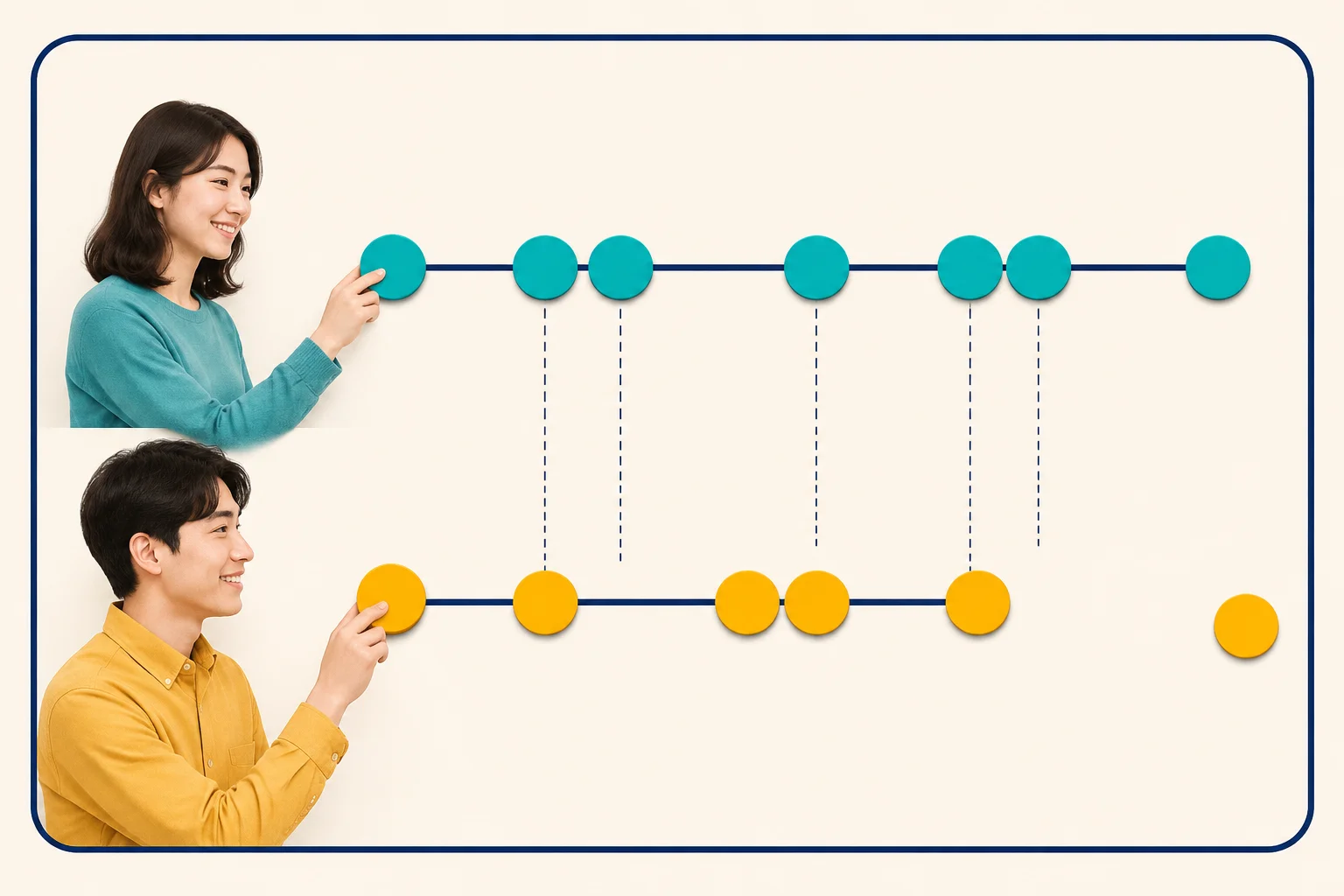
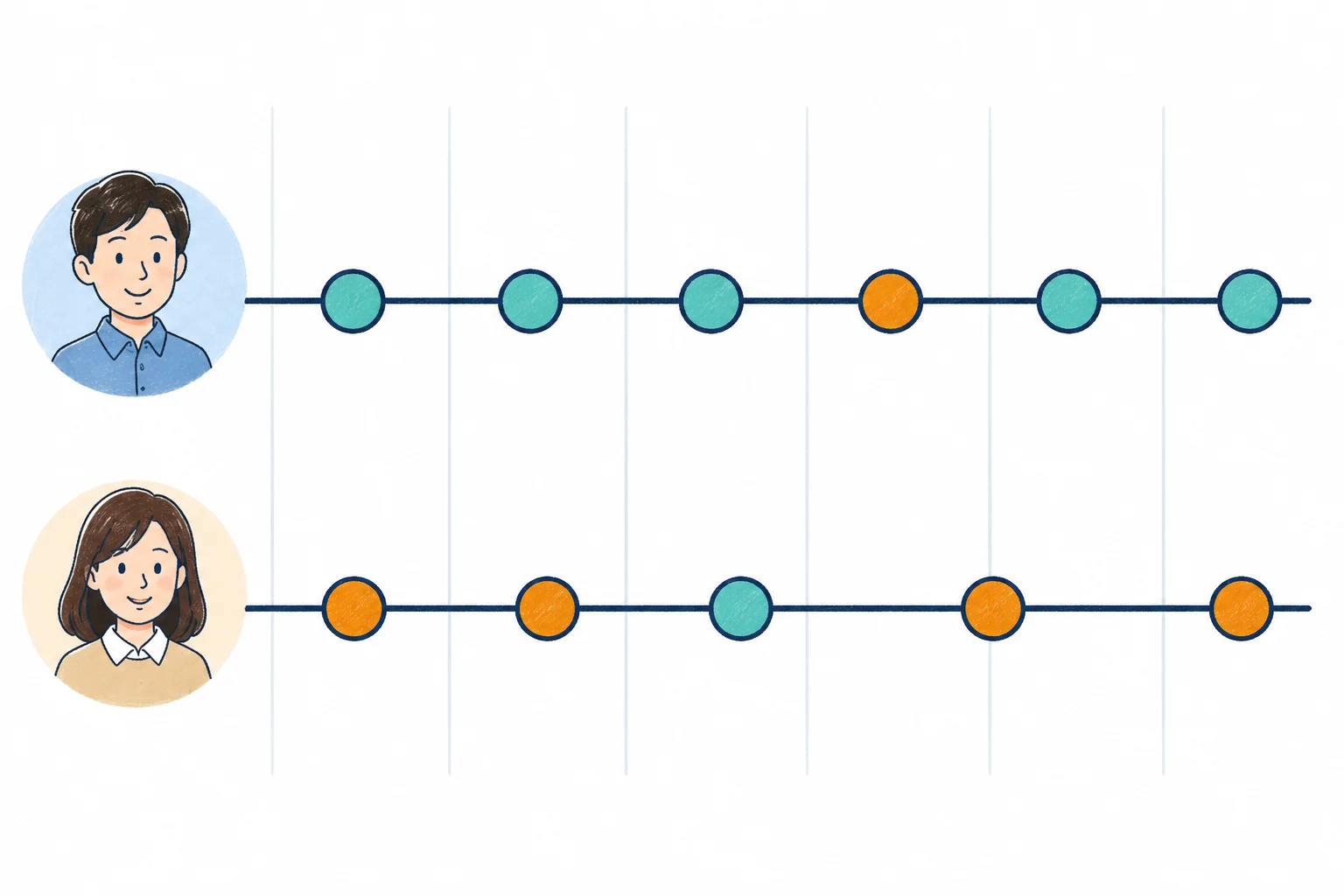
Two-lane April timeline
Scheduled
April 4: housing. April 12: utility.
Recorded
April 6: housing. April 20: service.
What the lanes show
Housing is a plausible match by label, with a two-day date difference. The timeline leaves the utility and service entries unmatched; it does not explain why either one lacks a counterpart.
Check the reporting boundary
An expected or recorded date near the start or end of a reporting period may place related entries in different views. Review the neighboring period before treating an entry as absent.
Work through the April example
Start with the two housing entries. Their labels agree, and the recorded date follows the scheduled date by two days. That supports treating them as a possible match for comparison, but the date difference does not explain the cause.
Next, keep the April 12 utility expectation and April 20 service record separate. The sample supplies no matching details for either one, so leave both unmatched rather than inventing a reason. Check the complete record and adjacent reporting periods for relevant context.
- Record the scheduled details. Note April 4 and the housing label before searching for a corresponding record.
- Compare the recorded details. The April 6 housing entry shares the label and differs by two days.
- Keep unmatched entries distinct. April 12 utility and April 20 service do not form a confirmed pair in this sample.
- Review the period in context. Check nearby dates and the reporting boundary before drawing conclusions.
Key facts to retain
- Scheduled date: the expected timing of an entry, not confirmation that a transaction occurred.
- Recorded date: the date attached to an entry in the record.
- Matched entries: entries that appear to correspond based on their details; dates can still differ.
- Unmatched entries: entries without a clear counterpart in the comparison, not proof of an error.
- Period boundary: a reporting cutoff that can affect which entries appear together.
Avoid conclusions the dates cannot support
Do not treat a later recorded date as proof that the scheduled date was wrong. The sample shows a two-day difference for housing, but it contains no evidence explaining that timing. Likewise, an unmatched utility expectation does not establish that a payment was missed, and an unmatched service record does not reveal its origin.
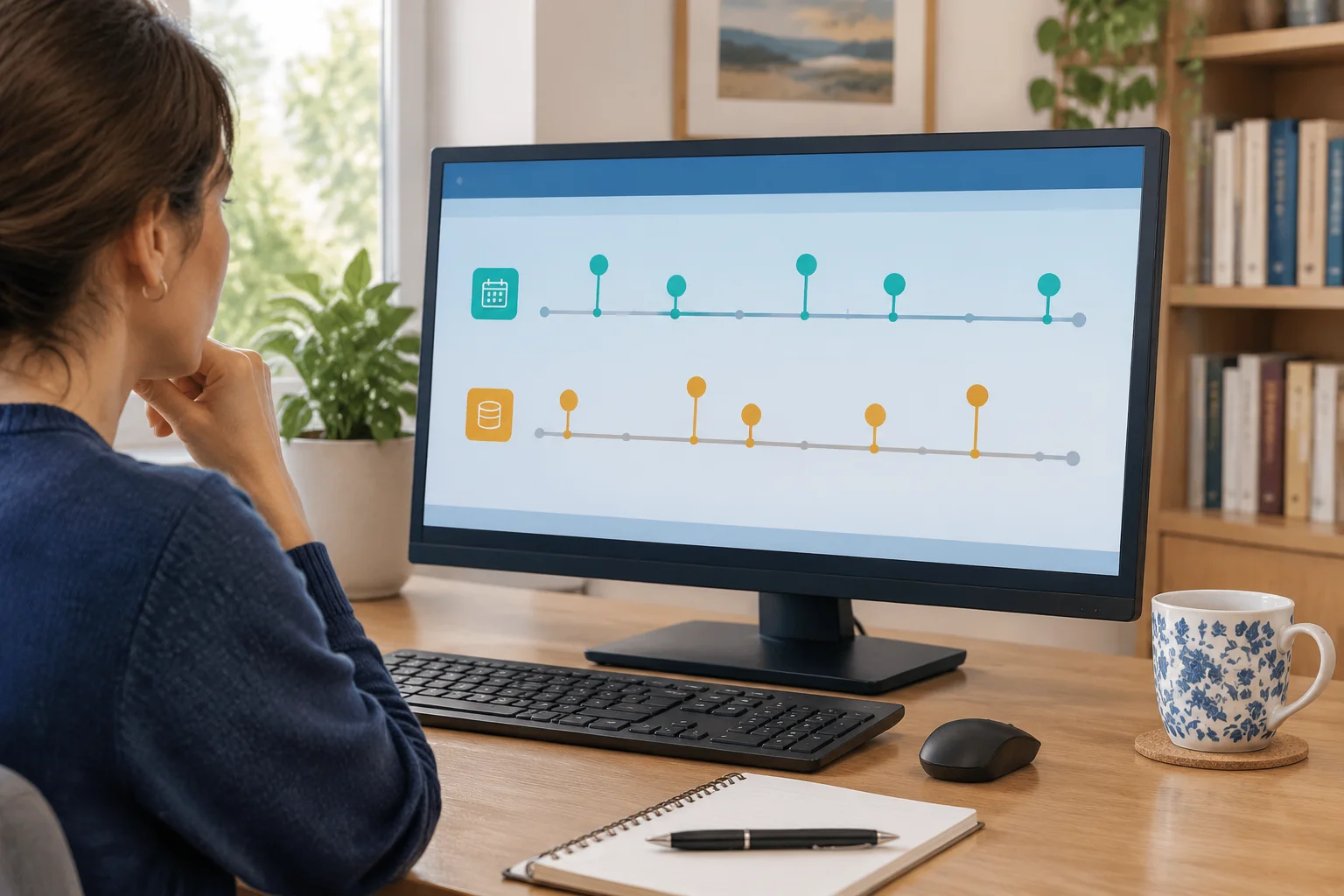
Keep the distinction between a schedule and a transaction record clear. A scheduled entry describes an expectation; it does not execute a payment. This is especially important when reviewing software: HomeBank desktop provides scheduling and future-transaction features, while scheduling itself is not evidence that a bank payment was sent.
For a visual practice exercise, open the Record Timeline Workbook. For entries that cross a cutoff, read Recurring Entries Across Calendar Boundaries.