Match transaction details before dates
To compare expected and recorded transactions, first identify what each entry represents, then compare its date. An expected date describes when a transaction is planned or anticipated in a record; a recorded date is the date attached to an entry that has been recorded. The dates may differ while the entries still correspond. This method suits anyone reviewing a monthly ledger, checking a recurring bill, or reconciling a plan against a later record.
A date shift needs context
A transaction expected on the fourth and recorded on the sixth is two days later in this example. That gap alone does not establish a mistake; compare the label, amount or other available details and the reporting period.
Compare the fictional entries
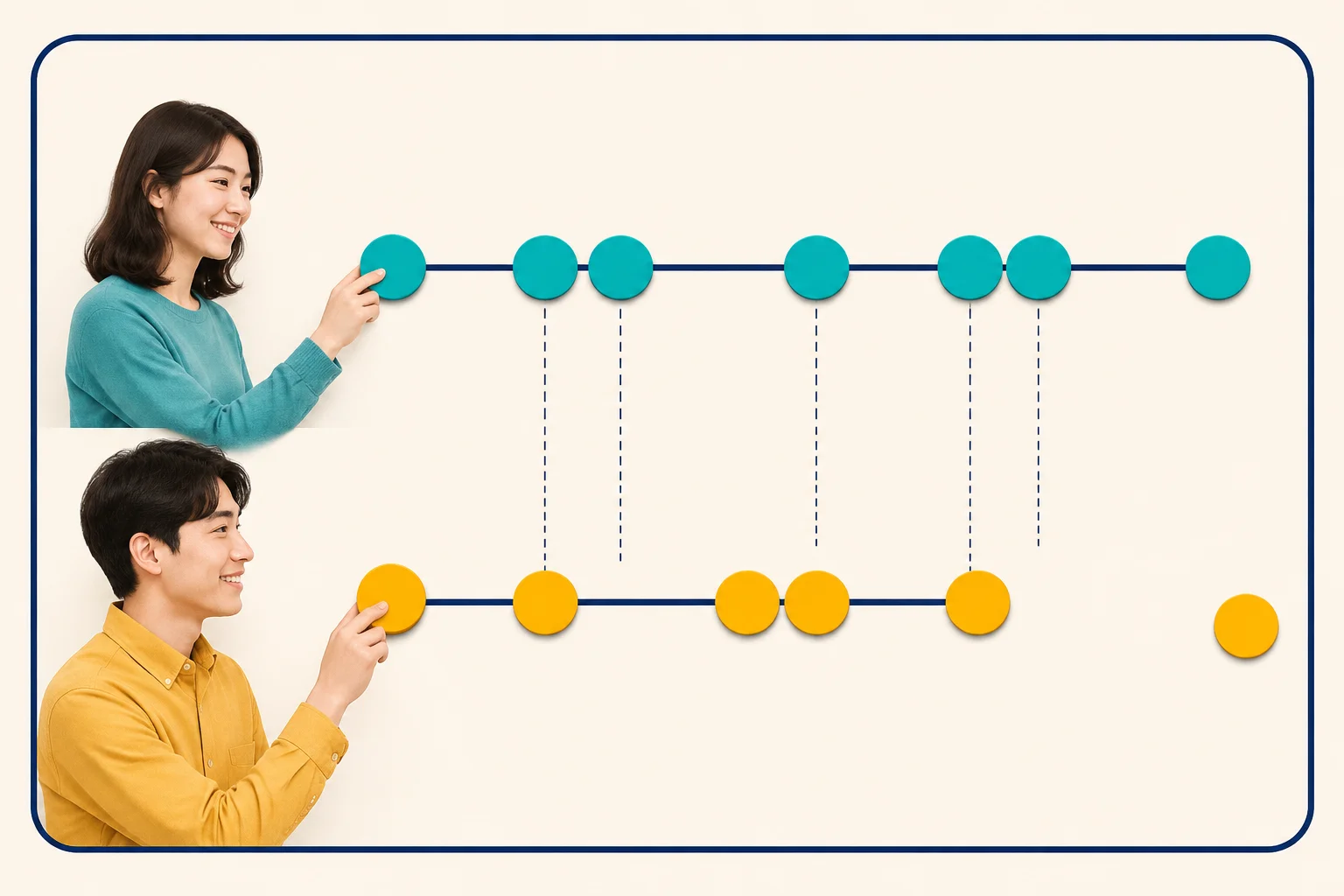
The sample uses a single month and three labels. Housing matches despite a two-day date shift; utility has no recorded counterpart in the sample, while service has no clear expected counterpart.
Expected versus recorded
| Comparison | Expected | Recorded | Reading |
|---|---|---|---|
| Housing | Day 4 | Day 6 | Likely match; dates differ by two days. |
| Utility | Day 12 | No matching sample entry | Expected entry remains unmatched. |
| Service | No clear sample counterpart | Day 20 | Recorded entry remains unmatched. |
Swipe to see all columns
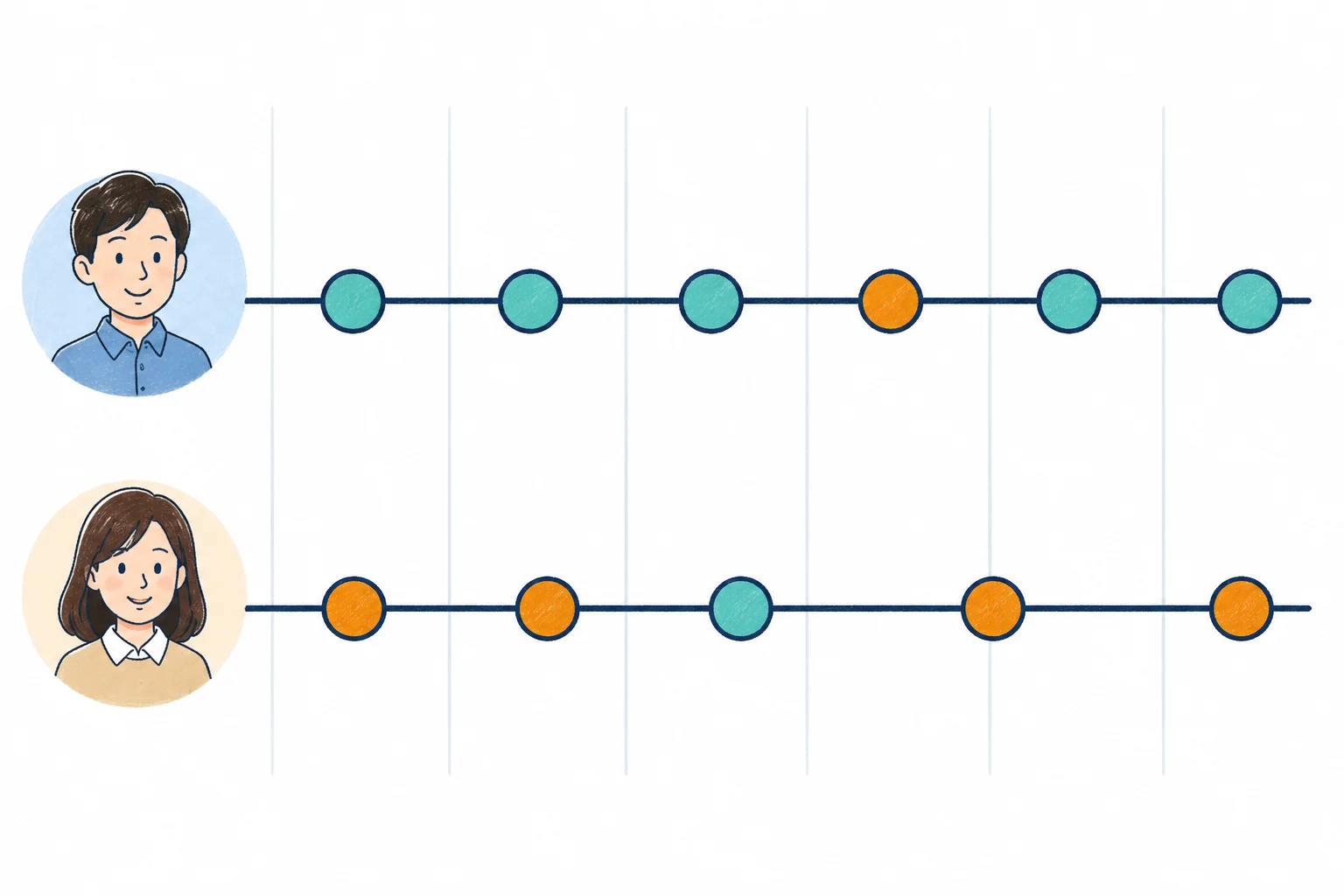
Two-lane timeline
Expected
Day 4: housing. Day 12: utility.
Recorded
Day 6: housing. Day 20: service.
Unmatched does not mean wrong
The utility entry may fall outside the records being compared, and the service entry may need more identifying detail. The fictional sample does not establish what happened to either transaction.
Work through a careful match
Start with housing: its label appears on both sides, so it is a plausible match even though the recorded date is day 6 rather than day 4. Keep utility and service separate for now. Check a wider date range or additional transaction details before treating either as missing or unexpected.
- List expected entries. Record the planned date and identifying label, such as housing on day 4.
- Search recorded entries. Compare labels and available details across the relevant period, not only on the expected day.
- Mark plausible matches. Pair housing on day 4 with housing recorded on day 6, while preserving the two-day difference.
- Keep unmatched entries open. Leave utility and service unresolved until the period and available details have been checked.
A repeatable reading method
Write down the comparison period and the match evidence alongside each pair. This makes it easier to revisit an unmatched entry without turning an assumption into a conclusion.
Keep timing differences in perspective
A date mismatch can come from the way the comparison window is defined or from a transaction appearing on a different day than expected. An entry missing from one view is not proof that payment failed, and a later recorded date is not proof that the record is incorrect. Treat each as a question to investigate, not a verdict.
For recurring entries, check whether the comparison crosses a month or other reporting boundary. The Record Timeline Workbook helps organize entries in sequence, while recurring entries across calendar boundaries explains why period edges can affect what appears together.
Key facts for a sound comparison
Keep the evidence and the limits of the example visible as you review an expected-versus-recorded list.
- Expected date: The planned day provides a reference point, not confirmation that a transaction occurred.
- Recorded date: The date on the recorded entry can differ from the plan while the entry remains a plausible match.
- Matched entry: Housing on day 4 and housing on day 6 share a label; the two-day shift is worth noting, not automatically correcting.
- Unmatched entries: Utility and service remain unresolved in this fictional sample because no clear counterpart appears on the other side.
- Reporting period: Check the selected date range and calendar boundaries before interpreting an entry that seems absent.