Interval length
A monthly interval covers one calendar month; a quarterly interval groups three consecutive calendar months. The recurrence cadence describes when an entry is expected to repeat.
See how monthly and quarterly boundaries organize recurring records, and how a report’s chosen date field shapes the timeline.
Recurring records follow a cadence, while a report groups records inside a selected date range. Keeping those ideas separate makes monthly and quarterly views easier to interpret.
A monthly interval covers one calendar month; a quarterly interval groups three consecutive calendar months. The recurrence cadence describes when an entry is expected to repeat.
Each reporting period has a first and last date. An entry on a boundary belongs to the period that contains that calendar date, according to the report’s selected date field.
A report may group records by scheduled date or recorded date. Choosing a different field can move the same record into another month without creating another transaction.
These guides use fictional examples to explain period membership, boundary dates, and the date basis behind monthly totals.

Compare monthly and quarterly intervals, see which dates fall within each period, and distinguish scheduled dates from recorded dates when reviewing totals.
Read the guide
Follow fictional recurring entries across period boundaries and compare how scheduled dates and recorded dates affect interval-based totals.
Read the guide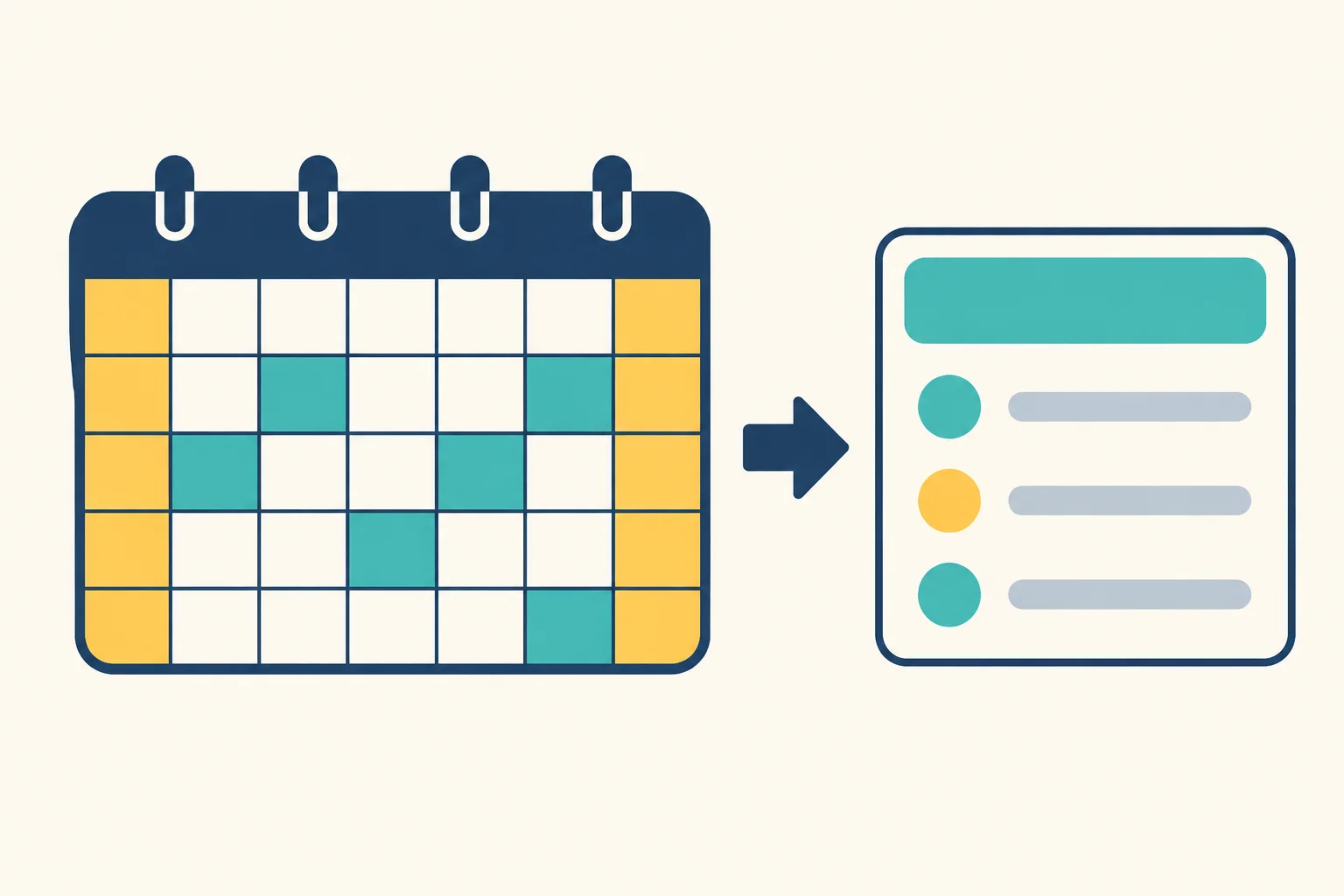
Read fictional monthly summaries by checking each total’s date basis and seeing which entries fall inside or outside the reporting boundary.
Read the guideThis fictional example follows one scheduled record through two different monthly views. Both dates remain attached to the same record and fall within the same April–June quarter.
The dates describe different stages of one entry, not two separate transactions.
The selected scheduled date falls inside the May reporting boundary.
The selected recorded date falls inside the June reporting boundary.
Same quarter: April–June 2026 includes both May 30 and June 2.
A report’s date field and period boundaries determine where a record appears. Compare those settings before interpreting totals across months.
Follow the dates through a timeline, or examine how reporting periods alter the records included in a view.
Explore the sequence from scheduled date to recorded date with recurring-record examples and a clear view of each entry’s place in time.
Explore Recurring RecordsLearn how changing a reporting period or date basis changes which fictional entries appear in a transaction view.
Read the reporting guide