Reporting periods
How Reporting Periods Change Transaction Views
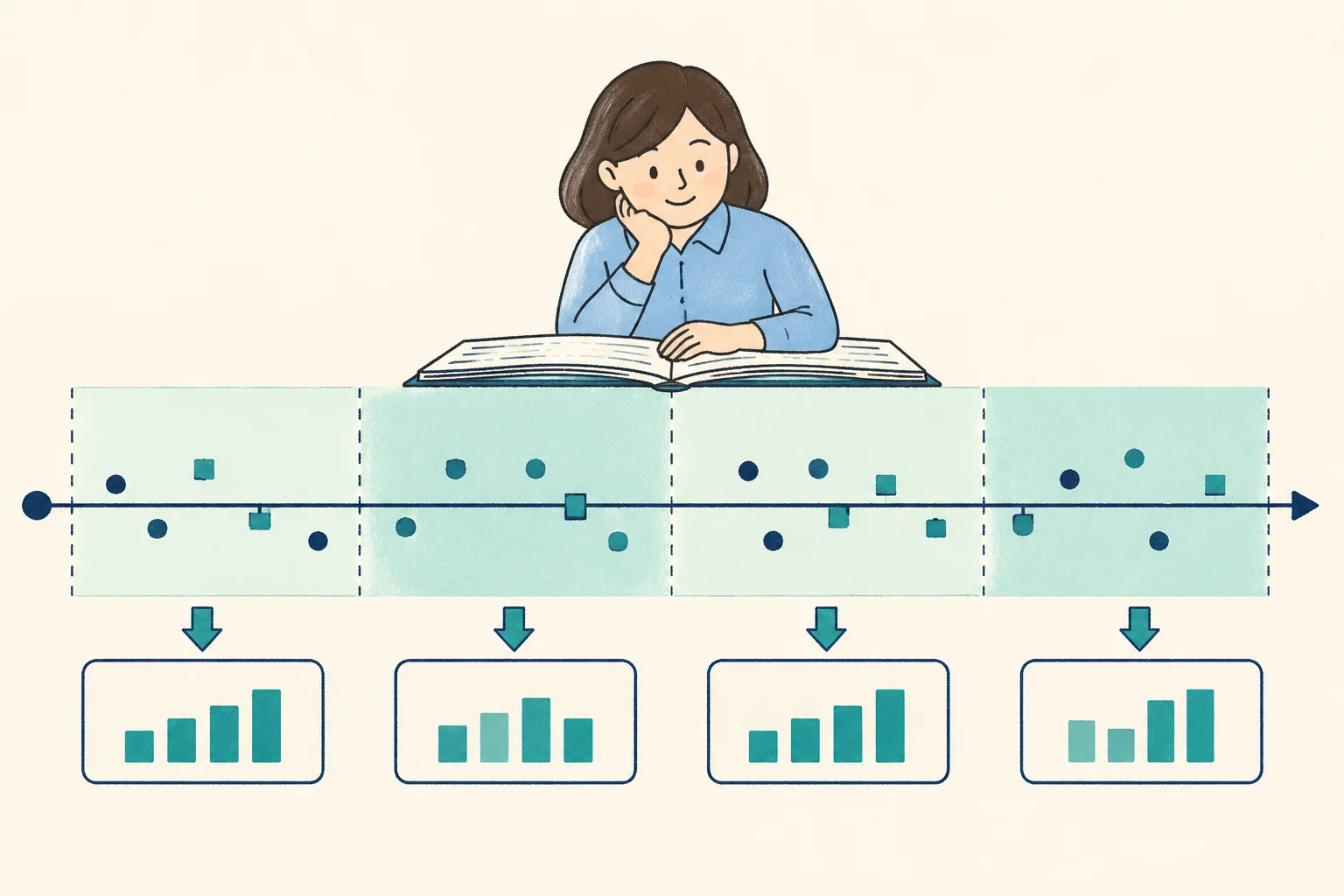
See how calendar months and rolling date windows change the view of one fictional transaction set, without changing the underlying records.
Explore fictional timeline examples, reporting concepts, and independent learning guides for desktop HomeBank.
Move from the way reporting periods shape a summary to examples that show recurring records across dates and calendar boundaries. The collection also introduces desktop HomeBank learning, connecting general record concepts with software-specific topics.
All transaction records, amounts, and circumstances in the examples are fictional. CycleLedger Almanac publishes this educational material independently of HomeBank.
Choose a focused guide or work through a practical timeline exercise. Each article links to its own subject, with desktop HomeBank topics clearly separated from the general workshop.
See how calendar months and rolling date windows change the view of one fictional transaction set, without changing the underlying records.
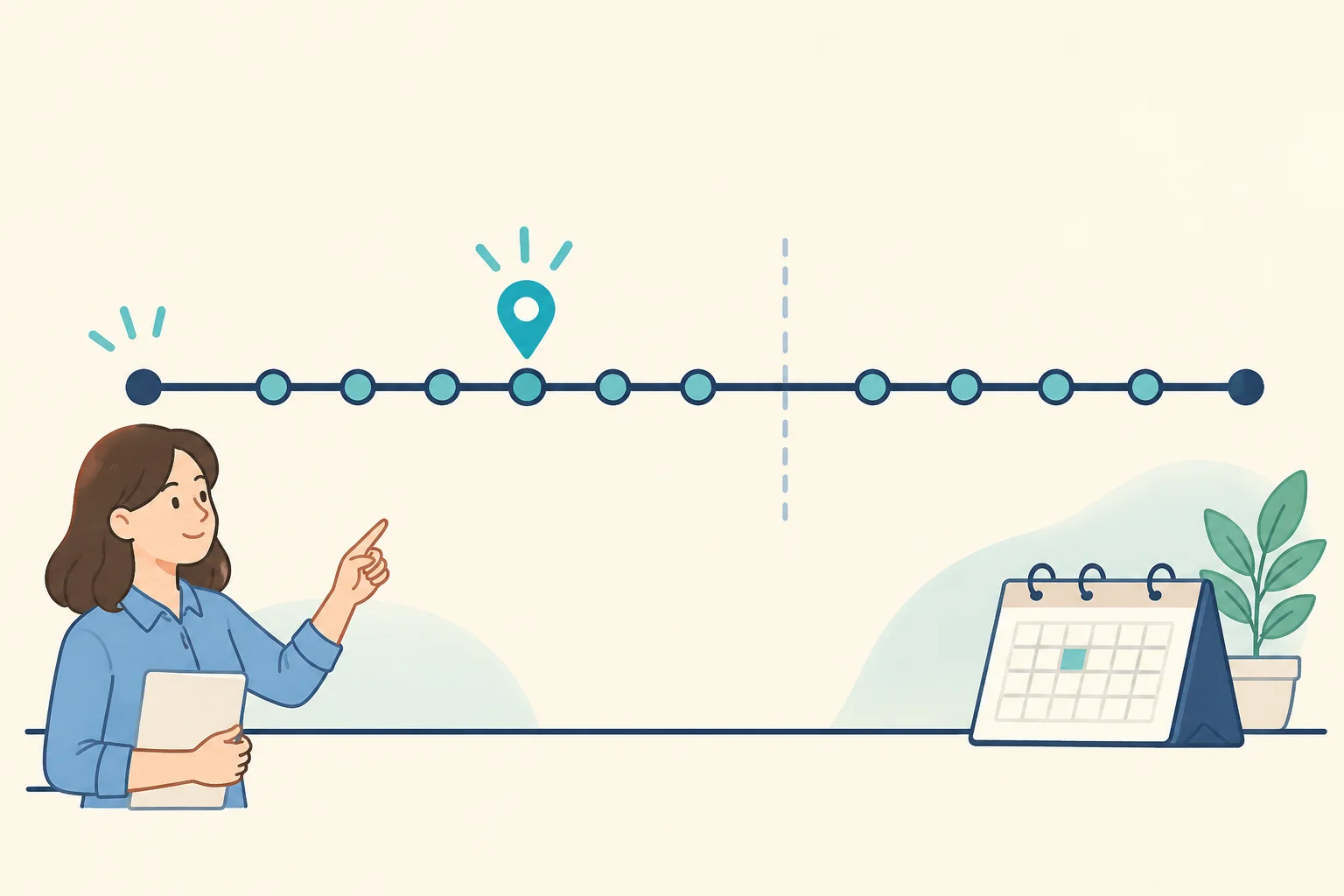
Work through three fictional timeline exercises to distinguish expected dates, recorded dates, and reporting windows.

Learn about scheduling, reusable entries, and time-based reports in the free desktop HomeBank program for Windows and GNU/Linux. It is distinct from the separate Apple app.
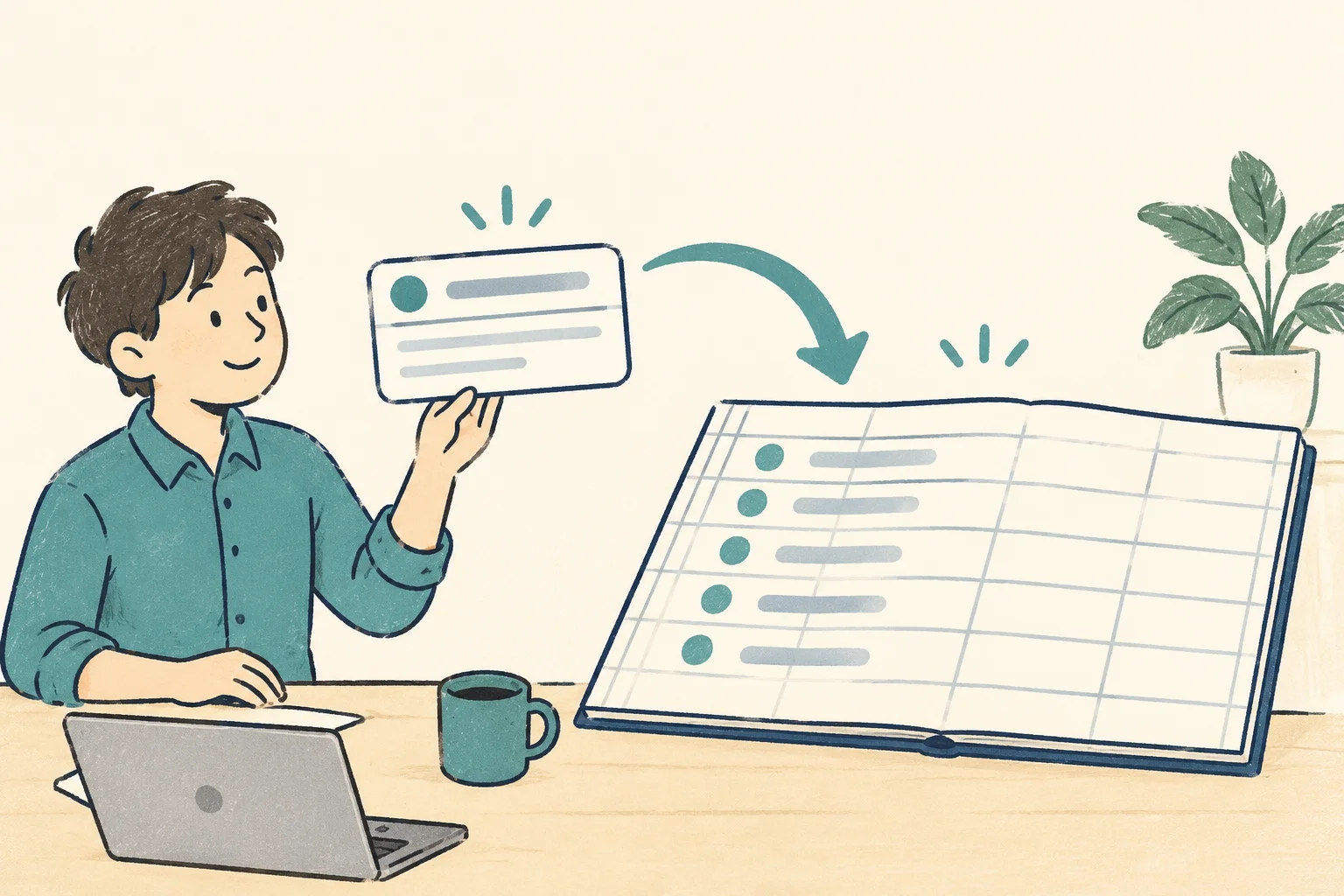
Compare reusable transaction templates with dated records, using fictional daily and monthly recurrence examples in desktop HomeBank.
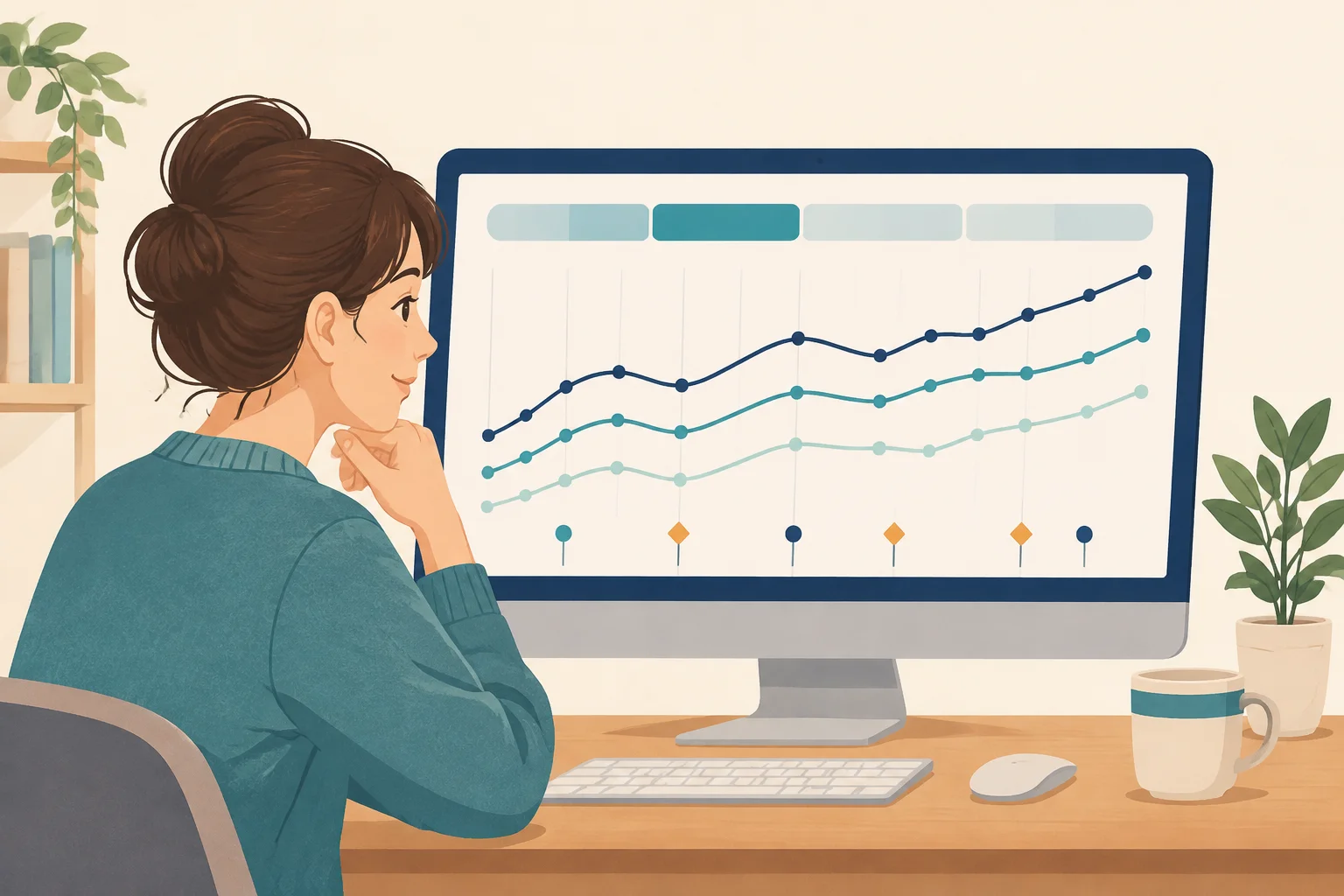
Understand how date ranges and period filters shape Trend Time views in desktop HomeBank, with a fictional comparison example.
Follow the sequence to build a clear picture of periods, dates, and recurring records before exploring software-specific views.
Learn how calendar months and other date windows group the same fictional records into different summaries.
Explore period boundariesApply the ideas to a monthly entry, a delayed recording date, and a record near a quarter boundary in a hands-on workshop.
Open the timeline workshopGet oriented to the free program for Windows and GNU/Linux, including its scheduling and future-transaction features. This desktop program is distinct from the separate Apple app.
Read the desktop guideSeparate a reusable transaction template from individual dated records, then consider how recurrence settings relate to recorded entries.
Study templates and recurrenceFinish by comparing date ranges and period filters in Trend Time, keeping the reporting window distinct from the underlying records.
Explore Trend Time reportsBegin with the concept closest to what you want to understand, then follow its dedicated learning path.
Explore how repeated entries are organized, how a reusable template differs from a dated record, and how recurring patterns appear over time.
Explore recurring recordsLearn how monthly, quarterly, and other calendar boundaries shape the grouping and interpretation of time-based records.
Explore calendar structuresFollow the difference between an expected date and the date a record is entered, and see why that distinction matters to a reporting window.
Compare dates and records