Learning article

Transaction Templates and Recurrence in HomeBank

Learn how reusable transaction templates differ from dated entries in HomeBank desktop for Windows and GNU/Linux. Fictional daily and monthly examples show how recurrence settings shape a schedule without proving that each transaction was recorded.

Rachel Morgan7-minute readArticles
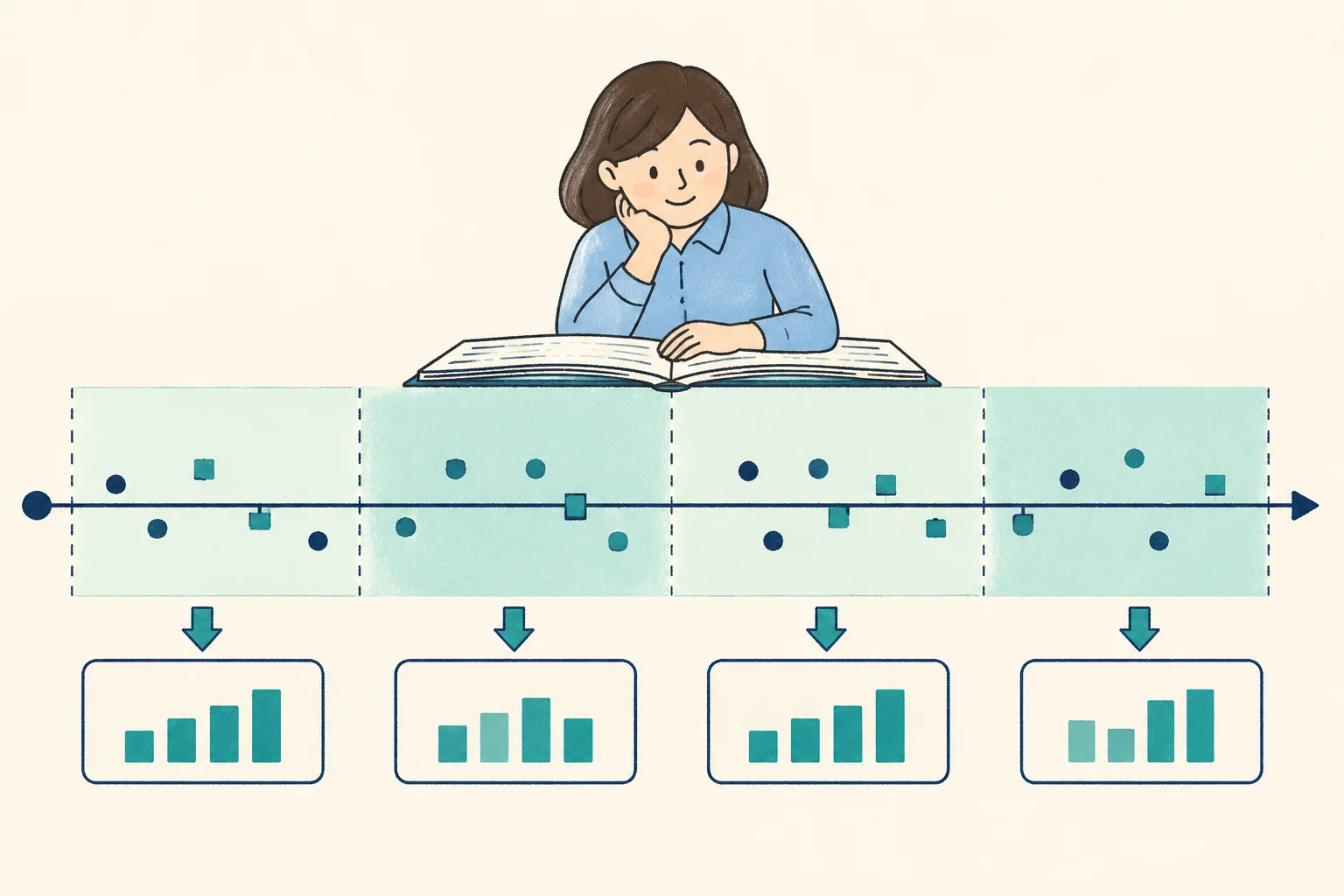
Conceptual diagram separating a reusable transaction template from dated recurring entries

Templates set the pattern; records carry dates

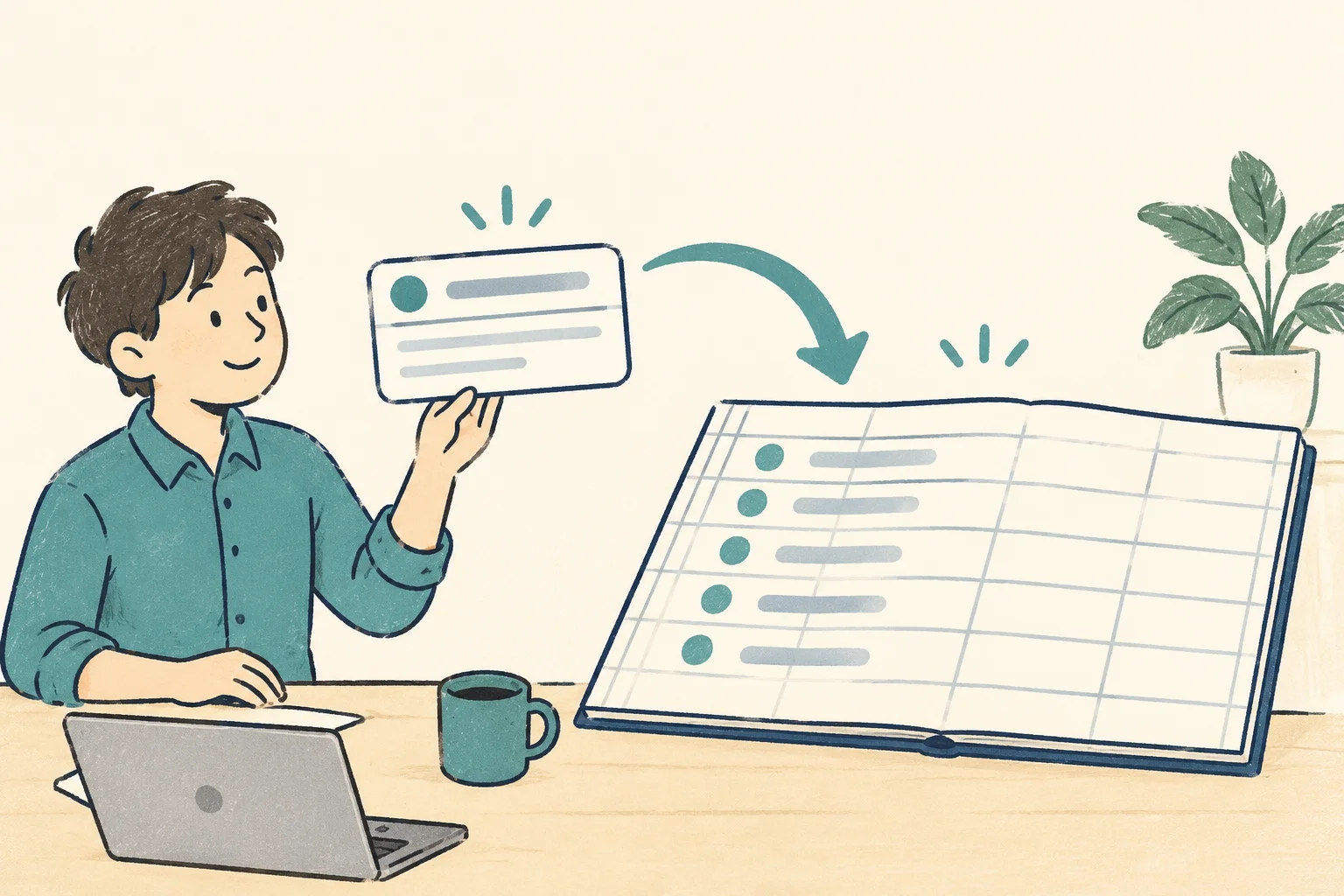
In HomeBank desktop, a transaction template is a reusable structure for creating recurring entries. It can hold details such as an account, payee, category and amount; the dated transactions generated from that structure are individual records. Keeping those roles separate makes it easier to understand what a recurrence rule describes and what appears in a ledger or report.

For a fictional daily example, imagine a template for a $4.50 coffee purchase set to recur each day. The template describes the repeated setup. A record dated June 3 is one instance; it is not the template itself, and the schedule alone does not establish that a purchase was made or recorded on every date.

A monthly example works the same way. A fictional $28 household service entry set for the 12th of each month describes a recurring pattern, while each dated entry belongs to its own calendar period. Read the template to understand the intended structure, then inspect the records to see which dates are represented.

Read recurrence settings beside actual entries

Start with the recurrence interval and the dates attached to the resulting entries. Then compare those records with the reporting window you are reviewing. A scheduled date, a recorded entry and a report period answer different questions; treating them as interchangeable can make a month appear to contain activity that the underlying records do not show.

  • Check the template: Identify its repeat interval and the transaction details intended to carry forward.
  • Inspect dated entries: Look at the actual dates and details in the records rather than assuming every scheduled occurrence is present.
  • Compare the period: Confirm which entries fall within the month or other reporting window being examined.

HomeBank desktop version 5.10.2, released in June 2026, fixed a limitation affecting daily recurring transaction templates. That version detail matters when reading guidance about daily recurrence; it does not mean a template is equivalent to a completed transaction. The separate Apple app from homebank.app was presented as a TestFlight beta in November 2026 and is not the Windows and GNU/Linux desktop program discussed here.

See a worked fictional interpretation

A fictional daily template is set to repeat from June 1, while the records being reviewed show entries dated June 1 and June 3. The template explains the intended daily pattern; those two records show the dates represented in this example. Do not infer a June 2 entry from the recurrence setting alone. These dates and amounts are illustrative, not claims about a real account or payment.


Continue learning

Explore another perspective

These related articles examine connected ways to read records and reporting periods.

HomeBank Guide

11/16/2026

HomeBank Guide

Follow a structured introduction to HomeBank desktop scheduling, reusable entries and time reports, with clear distinctions between planned patterns and recorded activity.

Read article
Reading HomeBank Trend Time Reports

11/04/2026

Reading HomeBank Trend Time Reports

See how HomeBank Trend Time reports present transaction data across time, and why period filters matter when interpreting a pattern.

Read article
How Reporting Periods Change Transaction Views

10/06/2026

How Reporting Periods Change Transaction Views

Learn how changing a reporting window changes which dated transactions appear in a view, even when the underlying records stay the same.

Read article
Record Timeline Workbook

09/18/2026

Record Timeline Workbook

Work through fictional monthly recurrence, delayed recording and a quarter boundary with revealable explanations for each timeline exercise.

Read article
Topics

Templates, schedules and dated entries

These themes clarify how HomeBank desktop recurrence settings relate to individual records and the periods used to review them.

  • Transaction templates
  • Daily recurrence
  • Monthly entries
  • HomeBank desktop
Reading route

Follow the template-to-record distinction

Begin with what a reusable template defines, then follow the checks for interpreting recurrence and dated entries.

  1. What templates and entries represent
  2. How to read recurrence and records
Key takeaways

Keep the schedule distinct from the ledger

Use these distinctions when reviewing recurring transactions in HomeBank desktop.

  • Treat the template as a pattern

    It stores reusable transaction details and recurrence settings; it is not itself a dated ledger entry.

  • Verify each dated record

    Inspect the entries shown for the dates you are reviewing instead of assuming every scheduled occurrence appears.

  • Match dates to the period

    A monthly report includes records according to its date window, so check the boundaries before interpreting its totals.

  • Use version context accurately

    Desktop HomeBank 5.10.2 fixed a limitation affecting daily recurring templates; the separate Apple app is a different product.

A recurrence setting describes a pattern; dated records show what the ledger represents.