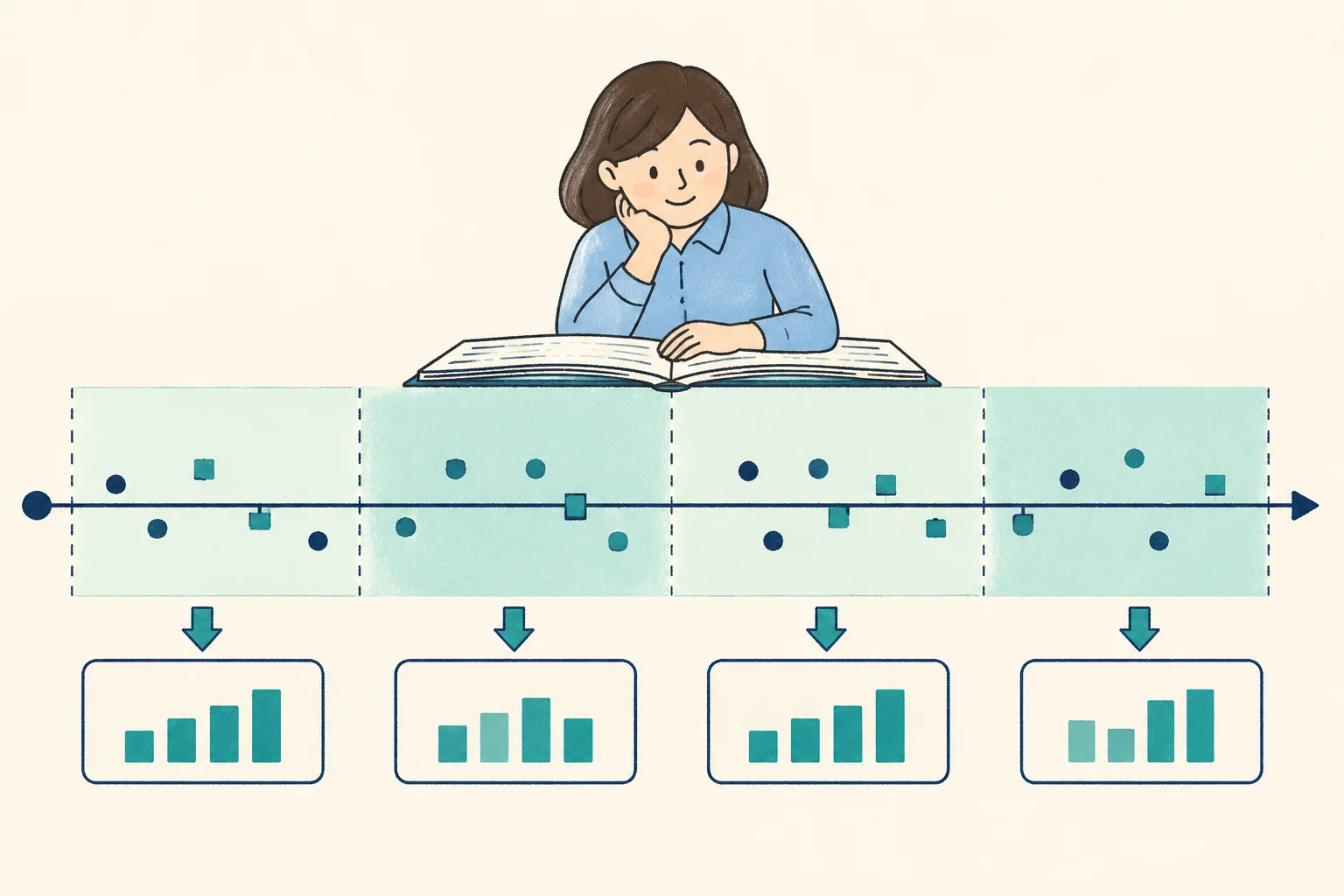

What a Trend Time report shows
HomeBank Trend Time reports organize transaction data across time, making it easier to notice how totals or activity vary from one period to another. The displayed result depends on the date range and period filter you select; changing that window changes what the report includes, not the transactions stored in the desktop program.
HomeBank is a desktop program for Windows and GNU/Linux. This guide explains report-reading concepts rather than reproducing or claiming to show a software interface. Any timeline or figures described here are fictional teaching examples, not HomeBank screen captures or actual account activity.
Read the window before the trend
Start by identifying the report's start and end dates, then check the period grouping. A monthly view and a quarterly view can summarize the same transactions differently. A transaction near a boundary may appear in one period, while a date outside the selected range will not contribute to that report's view.
Consider this fictional set of dated entries: $42 on March 30, $18 on April 2, and $35 on April 29. With a window covering April 1–30, the report includes the two April entries, totaling $53; the March 30 entry falls outside it. Extending the window to March 1–April 30 includes all three, totaling $95. The underlying entries have not changed—the reporting window has.
See how to compare two periods
Keep the date boundaries and grouping clear for each comparison. In this fictional example, compare April's $53 with another explicitly defined monthly window, rather than comparing it with a wider span that includes March. Check that both views cover equivalent durations and that boundary dates are treated consistently before interpreting a rise or fall.
A practical reading sequence
Use the same checks whenever a Trend Time view looks surprising. They help separate a filter effect from a genuine difference in the records and make the report easier to explain later.
- Confirm the date range. Read both endpoints and note whether the view covers a full month, quarter, or partial period.
- Check the period unit. Monthly and quarterly groupings answer different comparison questions, even with identical transactions.
- Inspect boundary entries. Look for dated records just before or after the selected window; they may be excluded from the current view.
- Compare like with like. Use equivalent spans and matching groupings before treating a changed total as a trend.
HomeBank 5.10.3, released in September 2026, fixed a date-filter error in the statistics report and an issue affecting templates. That release note is useful context when reviewing version history, but it does not replace checking the dates and filters used for a particular Trend Time comparison.